EMAIL US
sales@scanneroptics.com
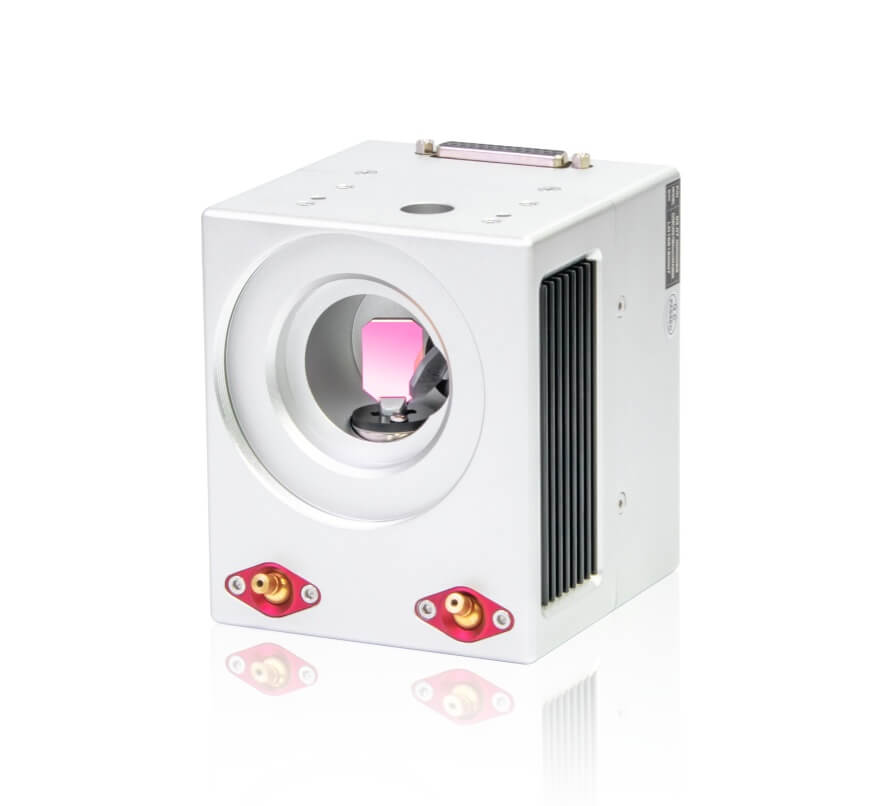
Laser galvo scanning systems always have a certain amount of distortion in real applications. This mainly comes from optical lens errors, beam drift, heat changes, and mechanical installation errors.
In theory, the laser should always focus exactly on the workpiece. But in reality, optical distortion (like pincushion or barrel distortion) causes the scanned position to shift from the designed position. This leads to shape deformation in the final pattern.
Another problem is temperature. The sensors inside the galvo system are sensitive to heat. When the system runs for a long time or the environment changes, small drift errors will appear. These errors reduce positioning accuracy.
Because of these issues, calibration is needed. The goal is to correct these errors so the scan position matches the real designed position. This improves accuracy, consistency, and long-term stability of the system.
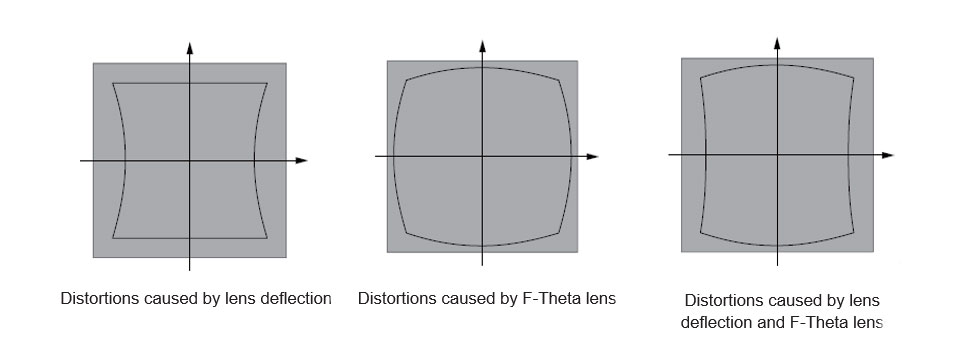
Calibration of a laser galvanometer scanner is essential to correct optical distortion, system nonlinearity, and installation misalignment. The primary objective is to ensure that the scanning position remains highly accurate, consistent, and stable across the entire working field.
The first step is setting initial parameters. This step is very important because it affects the final accuracy and how fast the system can be calibrated.
We need to understand the system first, including whether it is 2D or 3D, how it is controlled, and how fast it responds. Based on this, we set basic working values such as scan angle, speed, and acceleration.
These values must stay within the system limits. If they are too high, the system may become unstable or produce extra distortion.
Environmental factors like temperature, vibration, and installation errors also affect performance. So we usually leave some safety margin when setting parameters.
In practice, engineers often start with known experience values, then adjust step by step until the system becomes stable and accurate.
After parameter setup, a cross-line is scanned to define the center of the system.
This step sets the (0,0) origin and defines X and Y directions. It ensures all later calibration is based on the same coordinate reference.
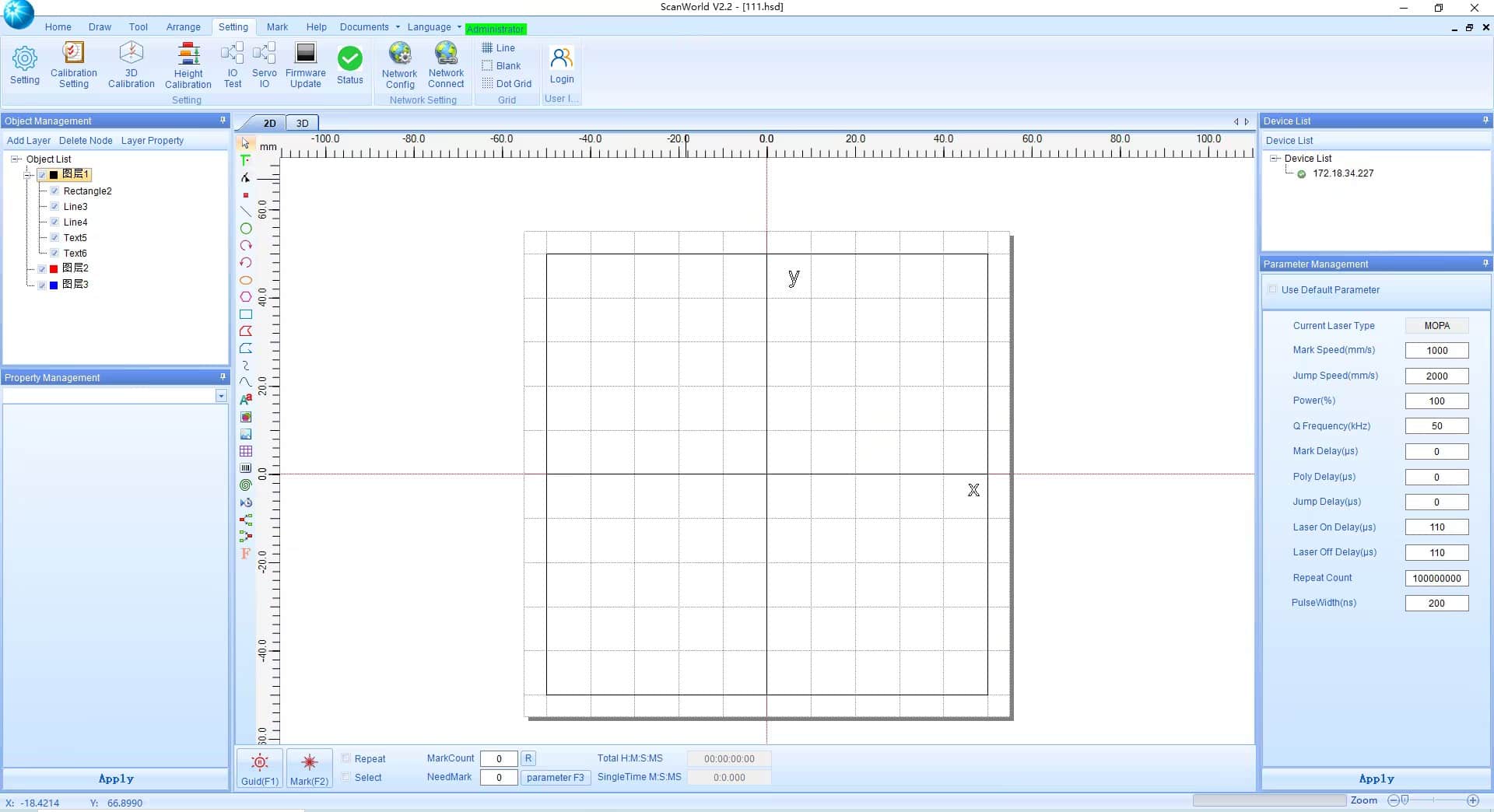
Next, the system scans a grid or dot pattern automatically.
The system collects position data and builds initial calibration files. This process replaces manual adjustment, making calibration faster and more consistent.
Vision calibration uses a camera to measure scanning errors.
First, a calibration target (like a checkerboard or dot pattern) is captured by an industrial camera. The system finds feature points and matches image coordinates with real-world coordinates. This aligns the camera system with the galvo coordinate system.
Next, the system scans a known pattern and compares real positions with ideal positions. This gives a full error map of the scanning field.
Based on this error data, a correction model is built. This model describes how input signals are changed by system distortion. Common methods include mathematical fitting or lookup tables.
Finally, the system uses this model to adjust the control signals before scanning. This is called pre-compensation. It helps the laser land closer to the correct position.
This process is usually repeated several times to improve accuracy.
After calibration, we must check if it actually works.
We use a standard test target like a grid or dot plate. First, we scan it before calibration and save the result as a baseline. Then we scan it again after calibration.
We compare the two results to see the difference. The main indicators are position error, RMS error, and maximum error. After good calibration, all these errors should become much smaller.
We also check if the error is evenly distributed. Sometimes the center is good but edges are still bad, so we need to check the full scanning area.
Finally, we test system performance such as speed, response, and stability to make sure calibration does not slow down the system or affect performance.
Galvo calibration is a process of fixing system errors through measurement and correction.
It starts from system setup, then coordinate alignment, then error measurement, and finally correction and testing.
A good calibration result means the system is accurate, stable, and consistent across the whole working area. With proper methods, the system can keep high precision even during long-term operation.
 zh-CN
zh-CN
 English
  日本語
日本語  한국어
한국어  français
  Deutsch
  Español
  italiano
  русский
  português
  tiếng việt